
In today’s music classroom, finding engaging and accessible ways for students to explore composition is key. But let’s be honest: budget constraints are real, and complicated software can eat up valuable lesson time. This is where the wealth of free online composing tools comes in! These browser-based platforms offer fantastic opportunities to ignite creativity and reinforce theoretical concepts.
In this post, I’ll highlight a range of user-friendly, no-cost online tools, helping you transform your teaching and empower your students to become confident composers, and have fun at the same time!
1. Chrome Music Lab
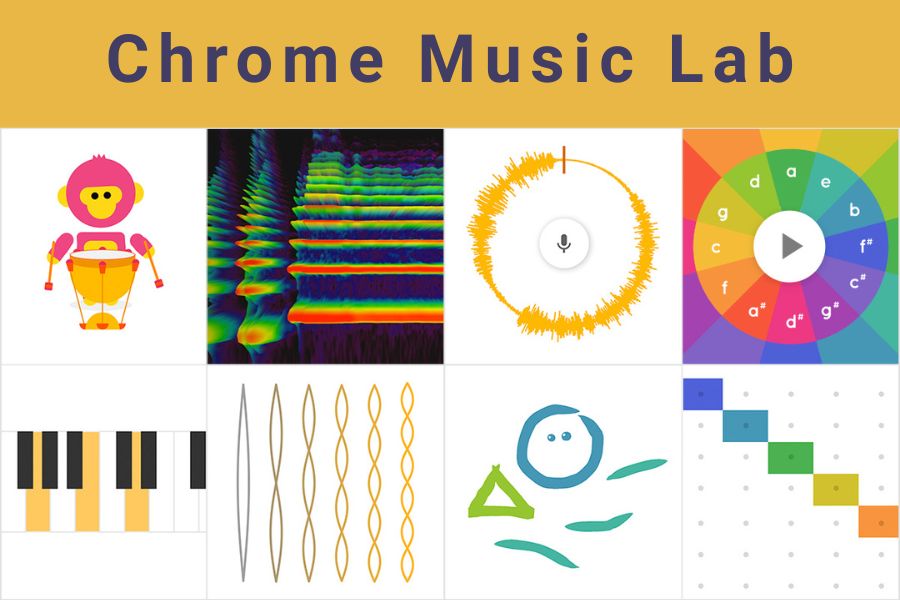
Chrome Music Lab is an interactive website by Google that makes learning music accessible through a collection of hands-on, browser-based experiments.
Use for:
- Song Maker is probably the most popular tool, allowing users to create simple melodies and rhythms on a colourful grid, change the instruments and tempo, and share what they’ve created via a link.
- Kandinsky: transforms the user’s drawings and doodles into musical patterns, exploring the connection between visual art and sound.
- Rhythm: enables users to create drum patterns with animated characters, helping to understand rhythm and meter.
- Spectrogram & sound waves: provides visual representations of sound frequencies and waves, illustrating how pitch and sound travel through the air.
- Chords & arpeggios: helps users explore chord structures and hear corresponding arpeggios, aiding in the understanding of harmony.
- Oscillators: dives into the fundamentals of sound synthesis by letting users experiment with different waveforms.
For ideas on how to use Chrome Music Lab in your classroom, check out Midnight Music’s article: 50+ Lesson Ideas for the Chrome Music Lab.
2. Musicca

Musicca is a free online platform (based in Denmark) that offers interactive exercises, tools, and learning materials for music theory, notation, and ear training.
Although the focus of this platform is music theory, there are a number of tools which can assist with practical composing for example, the ‘chord player’ (under ‘Tools’) can be used to find new chord progressions and to create backing tracks for improvisation.
3. Muted.io
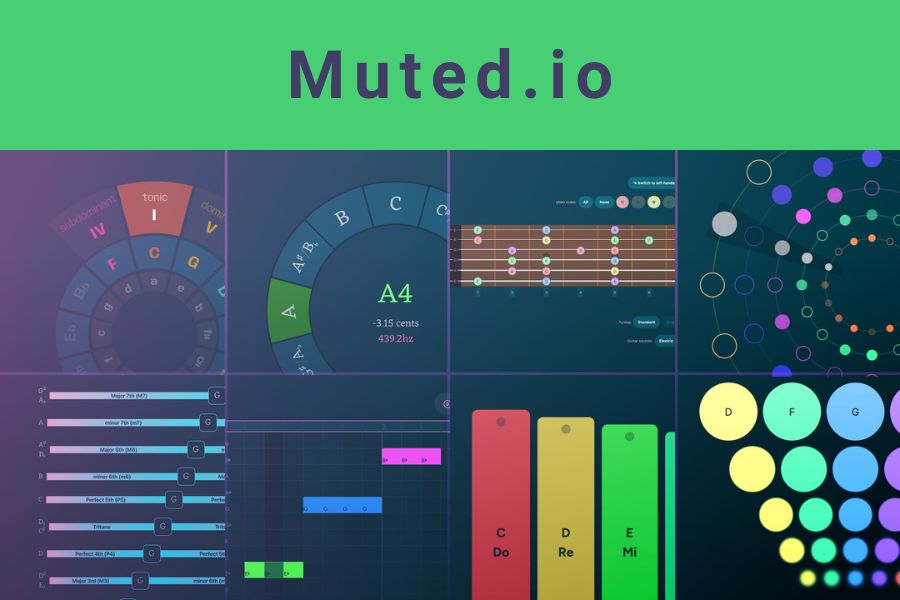
Muted.io is an interactive, accessible online tool featuring music resources such as: a virtual piano, online tuners for voice & guitar, chord and scale reference guides, and beat generators.
Use for:
- Super simple sequencer: create initial ideas and motifs
- Lil beat maker: online circular drum machine
- Peaceful sound: create your own gentle soundscape (best on iPad)
- …and more!
4. Groove Pizza
Groove Pizza is an online circular rhythm tool for creating drum patterns and exploring rhythms through a fun “pizza” interface.
Use for:
- Exploring rhythm and different musical styles (click on ‘specials’ to see the range of styles available)
- Create a pattern as a starting point and export into Soundtrap or Noteflight to continue the composition (just click ‘share’ on the left hand side).
5. Blob Opera
Blob Opera is an interactive machine learning experiment by Google Arts & Culture and artist David Li, where users can create operatic music by manipulating the four blob characters. The blobs can be dragged up and down to alter the pitch, and forwards and backwards to create different vowel sounds. Another machine learning model helps the blobs to harmonise in real time.
Use for:
- Exploring voice types, pitch, texture and harmony
- Choose a song from the list (click ‘take the blobs on tour’ and select a song title. Highlight the different voices through muting and playing at different times.
6. Audiotool
Audiotool is a browser-based music production software that allows users to create, share, and musically collaborate online. Users can produce, mix and publish their own tracks.
Use for:
- Create beats
- Use synths and effects to create original sounds.
- Create songs
- Collaborate with other users worldwide.
7. Hookpad
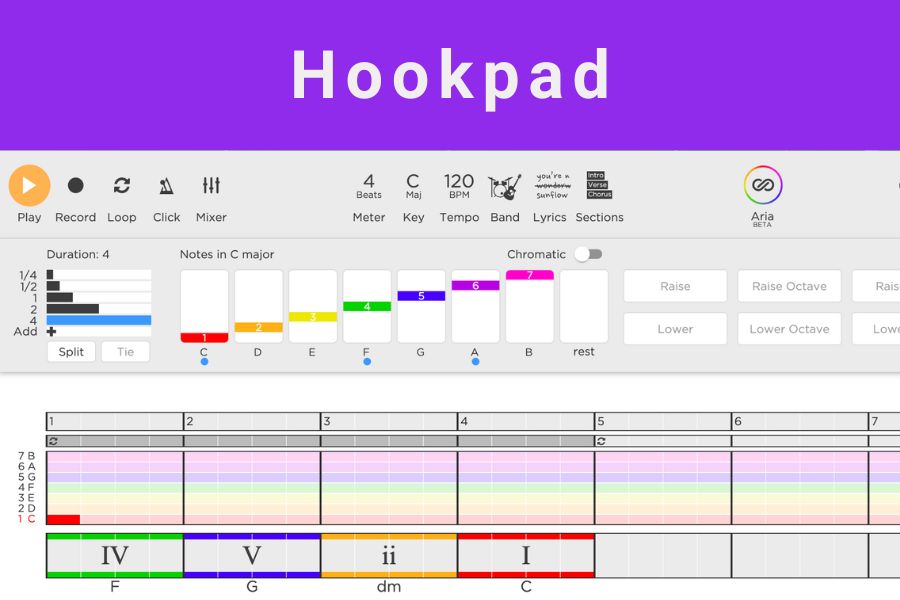
Hookpad is a web-based tool by Hooktheory for songwriters that helps with creating melodies and chord sequences. Chord ‘blocks’ can be clicked to add to the composition and melody notes added through computer keyboard numbers. Some functions are only available in the paid version, however as a free musical ‘sketchpad’ is can be an effective tool for generating initial ideas.
Use for:
- Trying out chord sequences
- Experimenting with a melody over the top of a chord sequence